
Views: 0 Author: Site Editor Publish Time: 2026-04-24 Origin: Site
The dental examination has evolved dramatically over the last decade. Clinicians no longer rely solely on traditional Dental Instruments and tactile exploration to identify pathology. We now capture high-fidelity visual evidence to support our clinical findings.
These imaging devices are proven to drive case acceptance and simplify complex insurance claims. However, a poor purchasing decision often results in the equipment sitting unused in a drawer. This happens because software friction or poor ergonomics frustrate the clinical team.
This guide provides a decision-stage framework for evaluating and implementing the ideal imaging solution. You will learn how to shortlist options based on your clinical workflow, software architecture, and total cost of ownership. We will help you navigate hardware specifications to find a tool your team actually uses.
Software integration dictates usability: A camera’s imaging capabilities are useless if it requires complex workarounds to sync with your Practice Management (PM) or imaging software.
Image quality requires optical clarity, not just megapixels: True diagnostic value relies on reliable autofocus, macro capabilities, and high-quality lenses.
TCO extends beyond the purchase price: Subscription fees, proprietary barrier sheaths, and IT integration costs must be factored into the ROI equation.
Ergonomics drive staff adoption: Heavy, tethered, or overly complex cameras will face resistance from hygienists and associates.
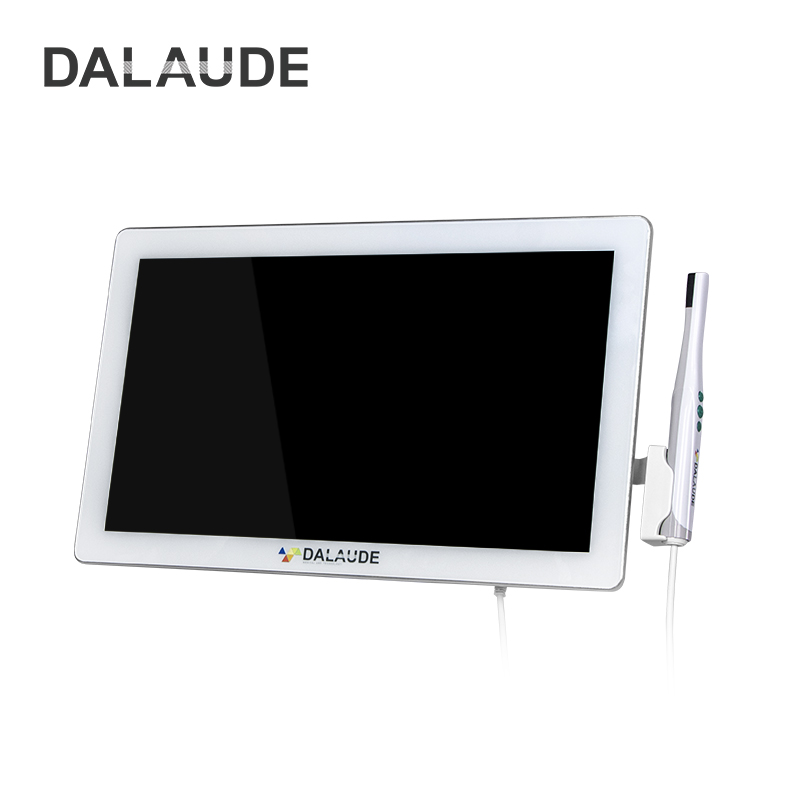
Investing in clinical technology requires a clear path to profitability. An Intraoral Camera offers one of the fastest returns on investment in a modern practice. It shifts the patient dynamic from telling to showing. Let us explore the core business drivers behind this tool.
Patients rarely accept treatment for conditions they cannot see or feel. Transitioning from verbal explanations to visual co-diagnosis changes the conversation. When you project a magnified image of a fractured amalgam margin onto a monitor, the patient immediately understands the problem. They take ownership of their oral health. This visual proof builds immense trust and significantly shortens the time required to close a case.
Insurance companies increasingly deny claims based on narrative descriptions alone. They demand undeniable visual proof. High-quality images clearly show micro-fractures, failing margins, and interproximal caries. Submitting this visual evidence alongside your radiographs drastically reduces claim denials. You spend less time writing lengthy narratives and fewer hours fighting administrative appeals.
Clinical consistency protects your practice. Integrating proper imaging creates a reproducible, high-quality baseline for patient records. Every operatory produces the same standard of visual data. If a patient returns three years later complaining of a broken cusp, you have historical visual proof to reference. This standardization protects you legally and provides a seamless handoff between hygienists and associate dentists.
Selecting the right hardware goes far beyond reviewing a generic spec sheet. You must evaluate how the device physically captures images and how those images travel to your patient records.
Manufacturers often highlight high megapixel counts in their marketing materials. However, clinical value relies on actual optical clarity. Digital upscaling artificially inflates resolution claims. Upscaled images often appear grainy or pixelated when zoomed in. You need native optical resolution to see fine details.
Focus capabilities heavily influence your diagnostic power. Consider these three distinct focus mechanisms:
Fixed Focus: These models capture images quickly and cost less. However, they lack the fine detail required for close-up diagnostic work.
Autofocus: These lenses automatically adjust to the subject distance. They offer excellent versatility for both full-arch and single-tooth captures.
Macro and Liquid Lens: These advanced systems physically change lens shape to achieve extreme close-ups. You absolutely need this technology for transillumination or detecting microscopic enamel cracks.
Furthermore, carefully evaluate LED illumination quality. Look for true-white light LEDs. Cheap blue-tinted LEDs will wash out natural tissue color. They also cause excessive glare when reflecting off saliva, rendering the image useless.
Software friction destroys clinical efficiency. If your hygienist needs five extra clicks to save a photo, they will stop using the device.
Evaluate whether you are buying into a closed or open system. Closed systems require proprietary imaging software. This forces you to switch between different applications during a patient exam. Open systems integrate freely seamlessly into your existing workflow.
TWAIN integration remains the gold standard for dental imaging compatibility. Assess the reliability of the camera's TWAIN driver. Ask yourself these critical workflow questions:
Does the driver reliably recognize the hardware upon connection?
Does image capture require an awkward foot pedal?
Do the wand buttons map seamlessly to your existing practice management software?
Does the system require manual bridging applications to save files?
Finally, consider the debate between cloud and local storage. High-definition video and image capture require substantial bandwidth. Cloud-based systems might introduce capture latency if your internet connection fluctuates. Local servers process images instantly but require ongoing hardware maintenance.
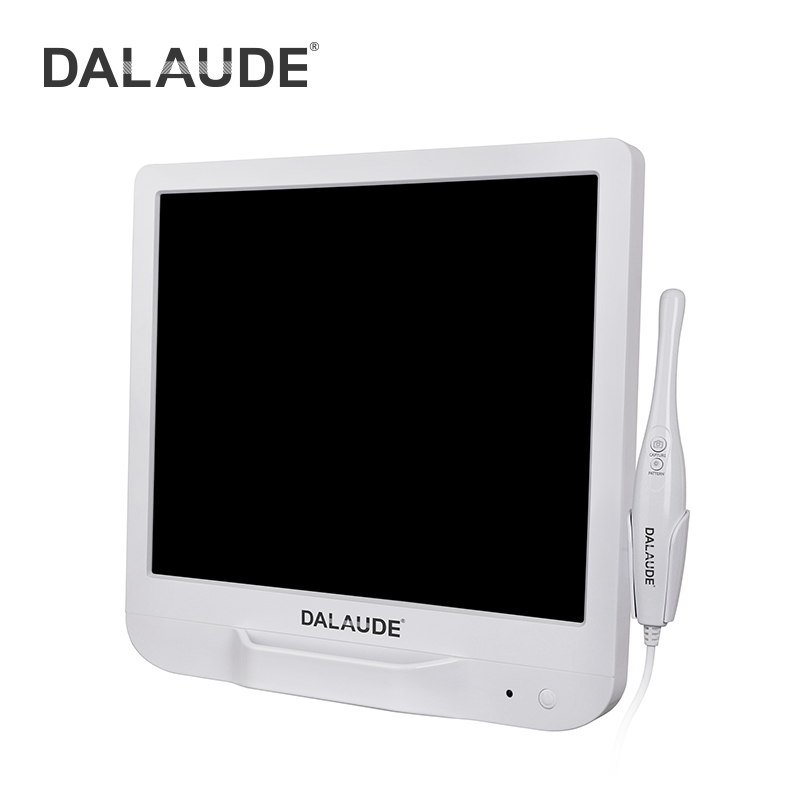
Ergonomics directly impact daily usage. If the device feels heavy or difficult to maneuver, your clinical team will leave it on the counter. You must choose between wired and wireless configurations based on your specific operatory setup.
Wireless models offer ultimate freedom of movement. Clinicians can easily navigate around the dental chair without fighting a cord. You can easily pass a wireless unit between operatories alongside other hand-held Dental Instruments. This portability makes them highly appealing for multi-hygiene practices.
However, wireless technology introduces specific risks. Battery degradation occurs over time, requiring expensive replacements. You might also experience latency or dropped connections due to Wi-Fi and RF interference in busy office buildings. Furthermore, the internal battery adds noticeable weight to the wand.
Wired models remain a staple in many practices due to their rock-solid reliability. A direct USB connection ensures constant power and zero capture latency. Because they lack internal batteries, wired wands feature a much lighter and slimmer design.
The primary drawback is cable wear and tear. Constant bending and pulling make the cable the most common point of failure. The cord restricts fluid movement around the patient. Additionally, you must install accessible USB ports at every computer workstation.
Comparison Summary Chart
Feature | Wireless Models | Wired Models |
|---|---|---|
Portability | Excellent. Easy to share across rooms. | Limited by cord length and USB port availability. |
Latency | Potential for lag due to RF/Wi-Fi interference. | Zero latency. Instant image transfer. |
Power Source | Rechargeable battery (degrades over time). | Constant power via USB connection. |
Wand Weight | Heavier due to internal battery pack. | Lighter and often more ergonomic. |
Failure Point | Battery death or dropped network connections. | Cable fraying or connection port damage. |
Many practice owners make the mistake of evaluating imaging tools based solely on the upfront price tag. True financial impact requires a comprehensive view of the Total Cost of Ownership (TCO).
The dental market offers everything from $100 entry-level devices to $4,000 premium clinical models. Budget models seem attractive initially. However, they suffer from a high replacement rate. You might replace a cheap camera three times in two years. Premium clinical models are built for daily wear and tear. They offer superior longevity, reliable optics, and robust casing materials.
Factor ongoing operational expenses into your budget. Proprietary barrier sleeves represent a major hidden cost. Some manufacturers design wands to only accept their branded sheaths. This can add hundreds of dollars in annual overhead per operatory.
Additionally, investigate software licensing. Some brands charge mandatory software subscription fees or demand licensing payments for every computer station. These recurring charges inflate your TCO drastically over five years.
Equipment breaks. How the manufacturer handles that breakdown dictates your operational downtime. Evaluate the standard warranty terms carefully. Look for comprehensive coverage that includes accidental damage. Assess the cost of extended warranties. Most importantly, verify the availability of loaner programs. A manufacturer that overnight ships a loaner wand keeps your hygiene schedule running smoothly.
Calculate your break-even point to justify the purchase. A high-quality imaging tool pays for itself rapidly through increased production. Follow these steps to track your ROI:
Calculate your current baseline for same-day treatment acceptance.
Track the average increase in accepted restorative cases after implementing visual co-diagnosis.
Measure the financial value of reduced insurance claim denials and eliminated rework.
Divide the total equipment cost by your monthly increase in revenue to find your break-even timeline.
Even the best clinical technology fails if it violates safety protocols or disrupts the hygiene schedule. You must address infection control and staff adoption proactively.
Every piece of operatory equipment requires rigorous sanitization. Evaluate the manufacturer's approved sterilization methods before purchasing. Can the wand withstand harsh chemical wipe-downs between patients? Some premium models feature sealed, waterproof casings. Others strictly require barrier sheaths because liquid ingress will destroy the internal electronics.
If you use barrier sheaths, prepare for minor optical trade-offs. Cheap, poorly fitted sheaths wrinkle over the lens. This plastic layer distorts image quality, introduces light glare, and confuses autofocus mechanisms. Always test the camera while it wears its protective sleeve to evaluate real-world performance.
Clinicians resist sudden workflow changes. Plan for a distinct learning curve. If the capture workflow adds unnecessary clicks to a hygienist's routine, adoption will fail entirely. Dedicate an afternoon to hands-on training. Let your team practice capturing images in the software environment they use every day. Their confidence dictates your return on investment.
Never buy clinical equipment directly from a catalog. Demand a comprehensive, live demonstration inside your own practice. This is the only way to expose marketing exaggerations.
Sales representatives love demonstrating cameras by capturing images of a pristine typodont or a dollar bill. These static objects do not reflect clinical reality. You must test the device in a wet environment. Capture images of real saliva, blood, and posterior amalgams. This real-world test evaluates actual LED glare management and autofocus speed.
Do not let the representative use their own laptop for the demonstration. Demand a live test connecting the camera directly to your specific operatory computers. You need to see how the device interacts with your exact version of imaging software. Ensure the wand capture buttons function natively without requiring a separate keyboard tap or foot pedal.
Your hygiene team will handle this device multiple times an hour. Involve them directly in the demonstration. Let the primary users handle the wand. Ask them to evaluate the weight balance. Have them attempt to capture images in difficult areas, such as the distal of second molars. If the hygienists find the device clumsy or overly thick, cross it off your list immediately.
Choosing the right clinical imaging tool requires balancing optical clarity, software compatibility, and ergonomic reality. Do not let megapixel counts distract you from evaluating workflow integration. A camera that refuses to communicate with your practice management software becomes an expensive paperweight.
Remember, this device serves a dual purpose. It functions as a precise diagnostic tool and a powerful patient communication instrument. When patients clearly see their oral health conditions, treatment acceptance rises naturally. This directly impacts your bottom line.
Take your time during the evaluation phase. Encourage your practice owners and IT providers to demand a comprehensive, in-software demo. Test the device on real anatomy and listen to the feedback from your hygienists before committing to a fleet purchase.
A: TWAIN is a universal software protocol. It allows imaging hardware to communicate directly with your practice management or imaging software. A reliable TWAIN driver prevents you from needing standalone photo applications, allowing images to save directly into the patient's chart.
A: Megapixel count matters less than you think. Lens quality, true-white LED lighting, and reliable macro-focus mechanisms are much more critical for close-up diagnostic work. A well-lit, perfectly focused 2-megapixel image easily outperforms a blurry, poorly illuminated 10-megapixel image.
A: Sub-$100 generic models exist online, but they present significant trade-offs. They typically suffer from short lifespans, terrible color accuracy, and lack of native software integration. Furthermore, generic brands offer zero HIPAA-compliant technical support or warranty protections for dental practices.
A: Premium models typically last between three to five years under heavy clinical use. Replacing them is usually necessitated by cable wear and tear, internal battery failure in wireless models, or eventual technological obsolescence as imaging software demands higher native resolutions.


